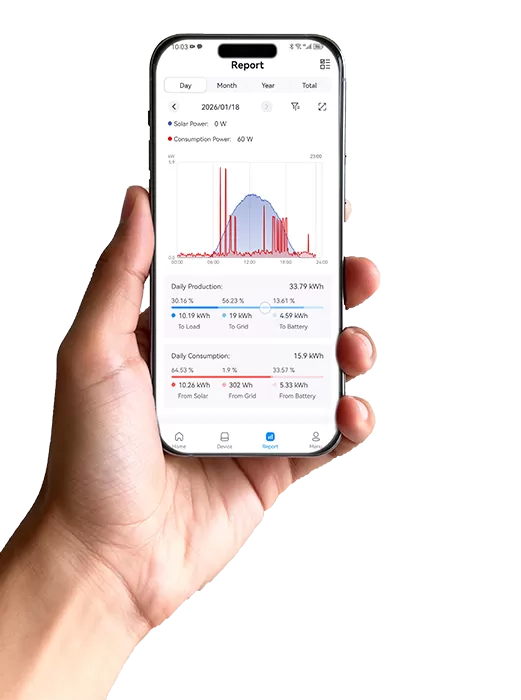
In order to facilitate users to view plant data, Report module at SOLARMAN cloud platform can help users learn plant production, loss, power, consumption, yield and other data at a glance. Go to “Analysis”-“Report” for more information.
Report module has two functions. One is to generate a report. Another is report template.
Users can select a template to generate a report. Items like “Select Plant”, “Select Period”, “Select Language”, “Report File Name” should be entered in this part.
In “Plant Criteria” part, users can select plant name, location, address, capacity, type and other information.
In “Select Data” part, users can select plant production, consumption, energy purchased, energy charged, peak hours and other information.
In “Template” part, SOLARMAN has already prepared report templates. Users can still customize report template according to own habits. All reports can be exported by a click. With the help of SOLARMAN cloud platform, users can realize the timely monitoring of plant running status and grasp plant health.

 EN
EN
 fr
fr  de
de  es
es  it
it  nl
nl  pt
pt  cs
cs  pl
pl